Why Site Readiness Matters Before ICT and Security Deployment
Many ICT and security projects lose time before installation has properly begun. Site access, power, cable routes, equipment availability and final device positions may appear to be minor details during planning, but unresolved site conditions can quickly turn into deployment delays and repeated mobilisation costs.
By Devjee International7 min read
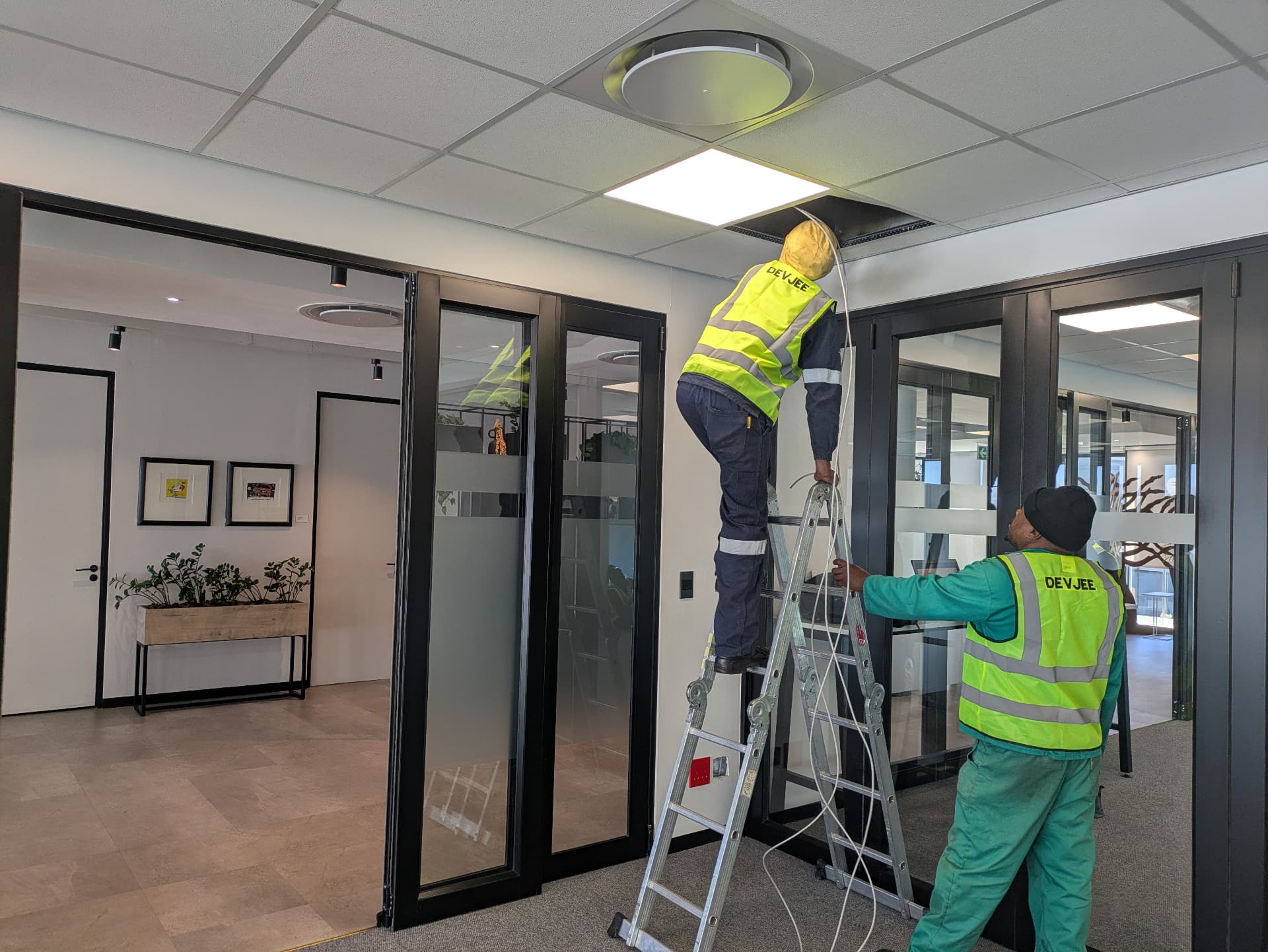
Technology deployments are often measured by what happens once technicians arrive on site. Cameras are installed, cables are terminated, switches are commissioned and systems are tested against the project requirements.
By that stage, however, many of the factors that determine whether the installation will run smoothly should already have been resolved.
A team can arrive with the correct equipment and a clear scope, only to discover that communications cabinets have no suitable power, cable routes are inaccessible, rooms are locked, device positions are still being debated or construction work has not progressed far enough to allow installation. None of these problems is particularly technical, yet any one of them can bring a deployment to a halt.
Repeated mobilisation creates its own cost. Technicians travel, vehicles are allocated, tools and equipment are prepared and project time is reserved. If the site cannot support the planned work, that capacity is lost even though very little installation has taken place.
Site readiness is therefore not an administrative exercise that sits alongside the project. It is part of the project itself.
Readiness starts before the installation team travels
The simplest site-readiness question is whether the team will actually be able to perform the work planned for that visit.
That sounds obvious, but infrastructure projects often involve several contractors, building teams, client representatives and suppliers working to different schedules. A room that was expected to be complete on Monday may still be under construction on Wednesday. Electrical work may be awaiting inspection. Doors intended for access-control hardware may not yet have been installed. Trenching may still be open or, worse, may have been closed before required cabling was placed.
A useful readiness check therefore needs to happen close enough to deployment that it reflects the real condition of the site.
Access should be confirmed, including any permits, inductions, keys, escorts or restricted working hours. The areas in which technicians will work should be physically available, and the infrastructure required for that day's activities should already be complete.
For multi-site projects this becomes particularly important. A team travelling several hours to a remote location cannot easily recover the day if the site representative discovers on arrival that the equipment room is inaccessible or the agreed work area is still occupied by another contractor.
Good planning does not remove every unexpected event. It reduces the number of predictable problems that are allowed to become site emergencies.
Drawings and device positions need to reflect reality
Drawings are most useful when they represent agreed decisions.
A CCTV drawing may show cameras on a building plan, but the final mounting positions still need to make sense on the actual site. A location selected before ceilings, signage, shelving or other structures are installed may no longer provide the intended view once construction is complete.
Access-control projects encounter similar issues. The drawing may identify a controlled door while the final door type, frame construction or locking arrangement differs from what was assumed during design.
Network installations can also be affected by relatively small changes. Desk layouts move, equipment rooms change, cable pathways become unavailable or a new partition appears where a cable route was originally intended.
This is why drawings should be confirmed before mobilisation rather than treated as fixed simply because they were issued earlier in the project.
Where device locations remain unresolved, that uncertainty should be closed before installers arrive. Moving a camera symbol on a drawing takes minutes. Moving installed containment, cabling and hardware later is considerably more disruptive.
The same principle applies to quantities. If the bill of quantities has changed, the installation team needs to know which version is current and whether the required equipment is available for the revised scope.
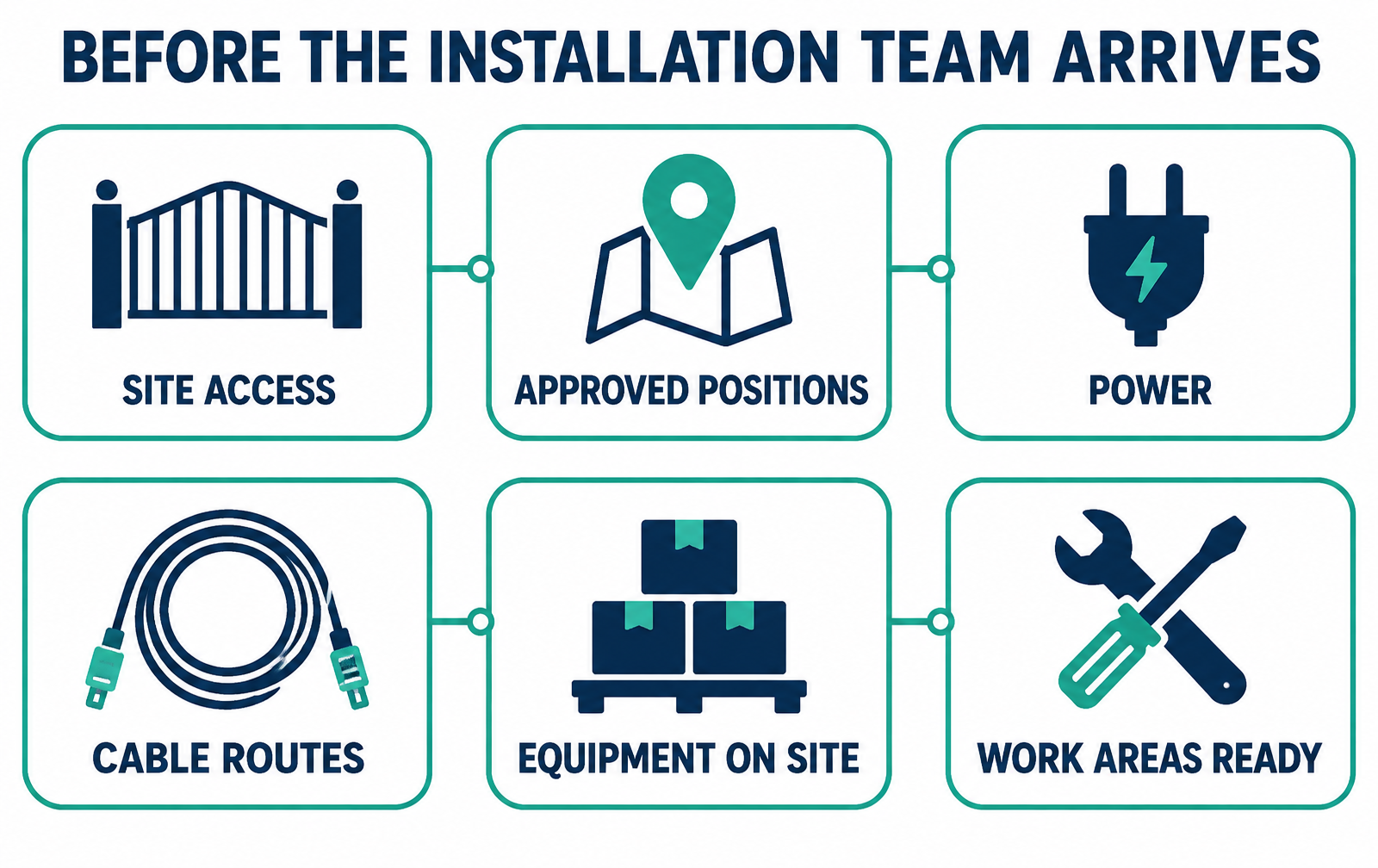
Deployment readiness depends on several practical conditions being confirmed before technicians are dispatched.
Power, containment and communications spaces are common dependencies
Security and ICT equipment may be low-voltage technology, but the systems still depend heavily on the physical site.
Network switches, recording equipment, access-control power supplies and other active infrastructure require suitable electrical power. Communications rooms may also need appropriate ventilation, rack space and backup power depending on the operational requirement.
Discovering that a cabinet has the wrong power arrangement after technicians arrive can stop several other activities at once.
Cable containment is another dependency that frequently crosses contractor boundaries. Conduit, trunking, trays, sleeves, trenches and other pathways may be provided by construction or electrical teams rather than the ICT installer. If those pathways are incomplete, blocked or different from the agreed design, the technology installation cannot simply proceed as though nothing changed.
Communications cabinets and server rooms should therefore form part of the readiness review. The rack needs to be installed where expected, accessible and sufficiently complete for the work planned. Patch panels, switches or fibre equipment cannot be commissioned effectively in a room that is still being used as a construction area.
None of this requires complicated project management. It requires clear ownership of dependencies before the deployment date.
Equipment should be where the installation is happening
A project can be technically ready and still lose time because the required equipment is somewhere else.
Where hardware is supplied by different parties, the project team should know what has arrived on site, what is still outstanding and who is responsible for moving equipment between stores, offices and installation locations.
A delivery note does not necessarily mean that the technician can access the equipment. Boxes may have been received into a central warehouse while the deployment is taking place at another site. Equipment may have been issued to another contractor, stored in a locked room or delivered without the accessories needed to complete the installation.
Checking physical availability before dispatch is a simple control with a large practical benefit.
It also allows shortages to be dealt with properly. If two cameras, a power supply or a network switch have not arrived, the project manager can decide whether useful work can still proceed or whether the deployment should be rescheduled.
That is preferable to discovering the shortage after a full installation team has already travelled to site.
For larger projects, staged equipment control becomes even more important. Hardware should be associated with the correct site and phase of work so that one location does not consume equipment allocated to another simply because it was available at the time.
A readiness check needs clear ownership
Checklists are useful only when somebody is accountable for the answers.
If a project involves a client, principal contractor, subcontractors and several specialist trades, it should be clear which party is confirming that each dependency has been completed.
The technology contractor may be responsible for its own tools, technicians and installation equipment, but it cannot reasonably certify that another contractor has completed electrical work or that a client-controlled facility will be accessible on a particular morning.
Readiness therefore works best when each item is confirmed by the party able to control it.
The confirmation also needs to mean something. Marking an item as complete based on an assumption defeats the purpose of the exercise. Where practical, critical readiness items can be supported by current photographs, approved drawings or direct confirmation from the responsible site representative.
That does not need to become bureaucratic. The aim is simply to distinguish between "we expect this to be ready" and "this has been checked and is ready".
For complex deployments, a short pre-dispatch review can prevent a surprisingly large number of problems. The project team can confirm access, drawings, equipment, power, pathways and outstanding construction dependencies before committing resources to the next visit.
Site readiness protects the project, not only the installer
It is easy to view readiness requirements as something contractors impose to protect their own time. The bigger benefit is to the project as a whole.
Repeated failed visits affect schedules, increase coordination effort and create pressure to recover lost time later. That can lead to rushed work, overlapping contractors and commissioning taking place before surrounding construction is genuinely complete.
A predictable installation sequence is better for everyone involved.
Technicians know what work they are expected to complete. Project managers have more reliable progress information. Clients can see what dependencies remain outstanding. Other contractors understand when their work needs to be finished before the technology team arrives.
Readiness also improves accountability when circumstances change. If a site was confirmed ready and is subsequently altered, the project team has a clearer basis for understanding why the planned deployment could not proceed.
No readiness process can eliminate every delay. Weather changes, equipment can fail and unexpected site conditions will always exist.
The objective is more practical: avoid sending people and equipment into situations where the obstacles were already known, or could reasonably have been identified, before the journey began.
ICT and security projects are ultimately physical deployments. However advanced the technology may be, installation still depends on access, power, pathways, equipment and an environment that is ready to receive it.
A few minutes spent confirming those conditions before dispatch can save far more time once the team is on site.
Related services
Related insights
Designing Integrated CCTV, Access Control and Network Infrastructure
CCTV, access control and enterprise networks are becoming increasingly interconnected. Successful deployments depend on more than choosing cameras or readers: cabling, switching, PoE, segmentation, power, equipment rooms and resilience all need to be considered as part of one infrastructure environment.
Structured Cabling for Modern Enterprise Environments
Enterprise networks increasingly carry far more than ordinary user traffic. CCTV, access control, wireless access points, voice systems and connected devices all depend on the same physical infrastructure. Good structured cabling is therefore less about installing cable and more about creating a reliable foundation for everything connected to it.
Enterprise Network Readiness: What to Review Before a Major Technology Upgrade
Technology upgrades can fail for reasons that have little to do with the new system itself. Ageing cabling, overloaded switches, weak wireless coverage, poor documentation and inadequate power or resilience can all become bottlenecks. A network-readiness assessment helps identify those constraints before deployment begins.